
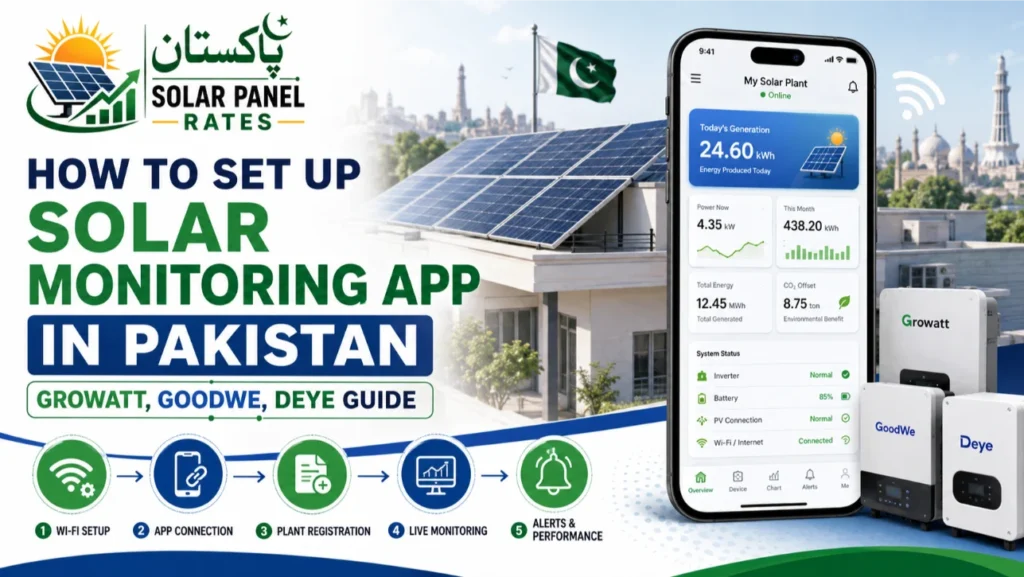
How to Set Up Solar Monitoring App in Pakistan — Growatt, GoodWe, Deye Guide
Every major hybrid inverter sold in Pakistan — Growatt, GoodWe, Deye, Fronus, Knox, Sungrow — comes with a free smartphone monitoring app. These apps show real-time solar generation, battery status, grid export/import, and historical data. Yet many Pakistani buyers never properly set them up, missing out on valuable system insights. This guide covers setup for all three major inverter brands.
What Solar Monitoring Apps Show You
- Real-time solar panel generation (kW)
- Battery charge level and charge/discharge status
- Grid import and export (net metering tracking)
- Home load consumption in real time
- Daily, monthly, and annual generation history
- System faults and error codes with plain-language explanations
- CO₂ emissions saved (for reporting purposes)
Growatt — ShinePhone App Setup
- Download ShinePhone from Google Play or App Store
- Create a free account at shine.growatt.com using your email
- On your Growatt inverter, press and hold the WiFi button until the LED blinks — it enters pairing mode
- In ShinePhone: tap “Add Device” → select your inverter model → scan the QR code on the inverter’s label or enter the serial number manually
- Connect the inverter to your home WiFi when prompted — enter your WiFi password in the app
- Wait 2–3 minutes for the inverter to connect and sync. Green status indicator = connected
- Data begins populating within 5 minutes. Historical data builds over the first 24 hours
💡 If your Growatt inverter uses a WiFi dongle (separate plug-in device), connect the dongle first, then follow the same ShinePhone pairing process using the dongle’s serial number.
GoodWe — SEMS Portal App Setup
- Download SEMS Portal from Google Play or App Store
- Register at semsportal.com — use the installer code if your installer set up the system (ask them)
- On the GoodWe inverter, locate the WiFi dongle (WIFI-X or similar — usually a USB-type dongle plugged into the inverter side)
- In SEMS Portal: “Add Plant” → enter your plant details → “Add Device” → scan dongle QR code or enter SN
- Connect to your home WiFi via the app’s WiFi configuration wizard
- Verify connection: the LED on the WiFi dongle should turn solid blue (connected) within 3 minutes
Deye — SolarMan Smart App Setup
- Download SolarMan Smart (not “SolarMan Business”) from Google Play or App Store
- Create an account at home.solarmanpv.com
- Tap “+” → “Add Device” → choose your Deye inverter model from the list
- Scan the data logger stick QR code on the inverter (the logger stick is pre-installed on most Deye models)
- Follow the in-app WiFi configuration — connect to the inverter’s temporary hotspot first, then configure your home WiFi credentials
- Return to your home WiFi — the app will show “Online” within 3–5 minutes when setup is complete
Common Setup Problems and Fixes
| Problem | Cause | Fix |
|---|---|---|
| Inverter shows offline after setup | WiFi signal too weak at inverter location | Use a WiFi extender near the inverter |
| App shows 0 generation despite sunny day | Data sync lag on new setup | Wait 30 minutes and refresh — first-time data takes time |
| Can’t find inverter in app | Wrong serial number entered | Scan QR code instead of manual entry |
| App shows error code F05 / E06 | Inverter fault — varies by code | Search your inverter brand + error code for specific meaning |
| No WiFi dongle included | Some models ship without dongle | Purchase brand-specific WiFi dongle from your dealer |
Frequently Asked Questions
❓ Can I monitor my system without WiFi at home?
Most inverters have a local display screen (LED or LCD) showing basic real-time data without WiFi. For remote app monitoring, WiFi is required. Some Growatt and Deye models support SIM card-based 4G data loggers as an alternative to WiFi — useful for installations without reliable broadband (farms, remote properties). These 4G loggers cost Rs. 8,000–15,000 extra.
❓ Can my installer monitor my system remotely?
Yes — all major monitoring platforms (ShinePhone, SEMS, SolarMan) support installer/dealer access. When setting up, ask your installer to add their account as a “plant manager” or “installer” — they can then monitor your system and diagnose faults remotely without visiting. This is extremely useful for warranty claims — they can see the error history before arriving.
❓ Does monitoring data survive if the internet is down?
Yes — inverters store local data on internal memory or the data logger stick for 30–90 days. When internet connectivity returns, the stored data uploads to the cloud server automatically. You won’t lose generation history due to internet outages.
❓ Which monitoring app is best for Pakistan?
ShinePhone (Growatt) is the most feature-rich consumer app with detailed energy flow analytics and a clean interface. SEMS Portal (GoodWe) is excellent for technical detail. SolarMan Smart (Deye, Fronus, Knox) is the most versatile as it works across multiple brands. All three are free and support Urdu-language operation via English interfaces readily understood by Pakistani users.
⚡ Compare inverter brands with best monitoring
Sources & references
Tariff, net-metering, and policy details on this page draw on the following official sources. Rates change often, so confirm current figures with the relevant authority or a licensed installer before you decide.
- NEPRA — National Electric Power Regulatory Authority: electricity tariffs and the 2026 shift from net metering to net billing.
- AEDB — Alternative Energy Development Board: solar policy, installer standards, and net-metering guidance.
- Your local distribution company (DISCO) — for example LESCO, K-Electric, IESCO, MEPCO, PESCO or QESCO — for area-specific tariffs and the net-metering application process.